Remember Meat
A downloadable game for Windows
Intro
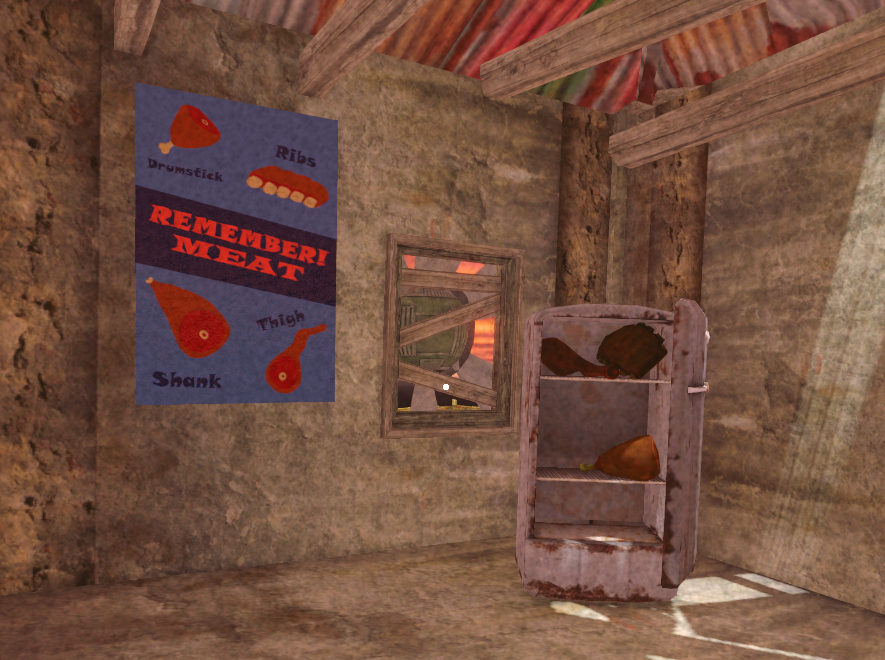
Meat rains from the sky — order new shipments of meat in the shop, collect and preserve as much as you can before it spoils. Good luck!
— READ TIPS FOR BEST EXPERIENCE —
Gameplay Tips
Because we wanted to give you the best and most content-filled and smooooth experience,
we made sure to devote 100% of our time doing everything other than giving you good instructions on how to play.
So here they are...
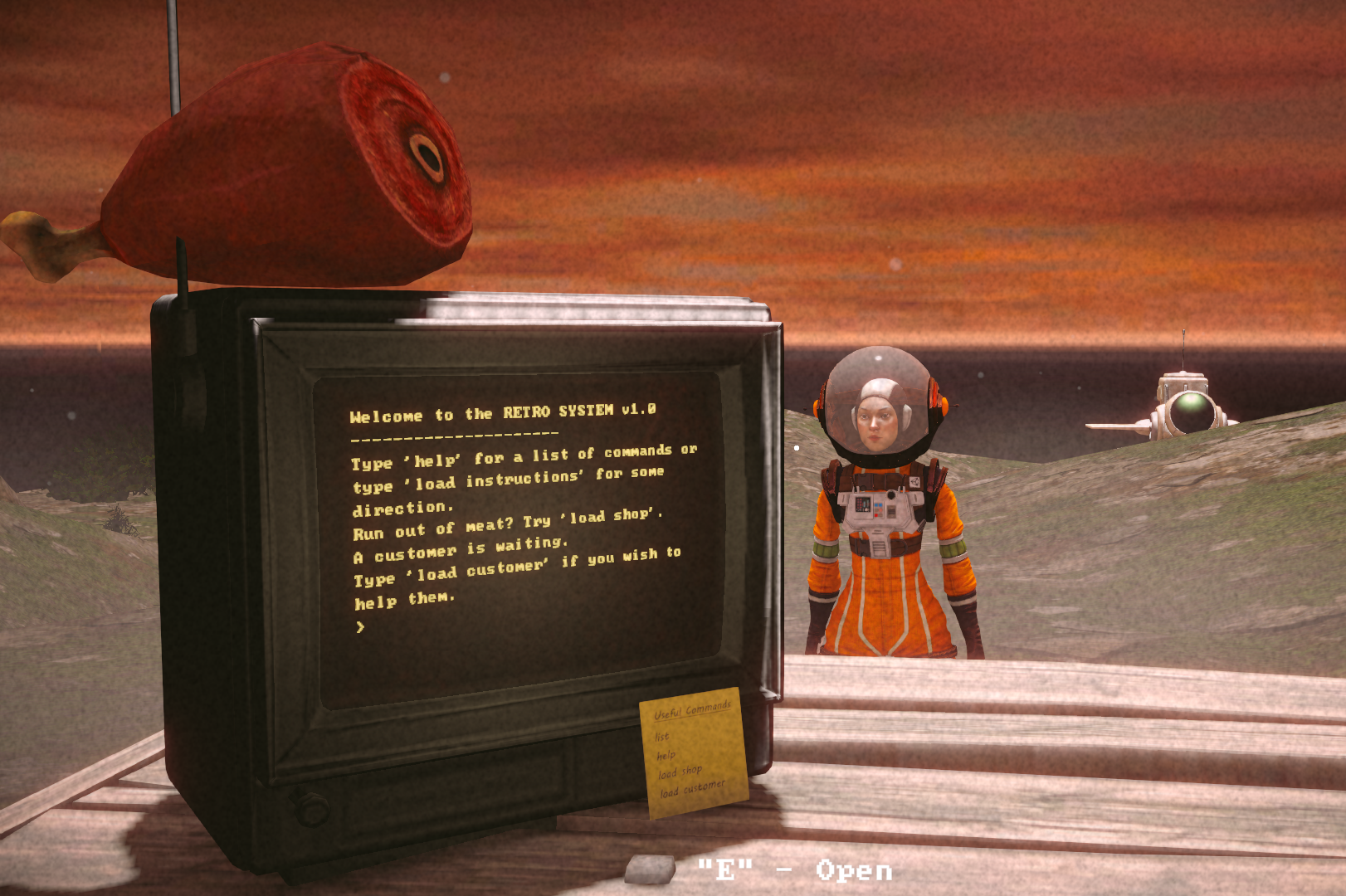
Use the Retro Console terminal to confirm sales, buy upgrades, and check customer orders. The fresher the meat, the higher the price.
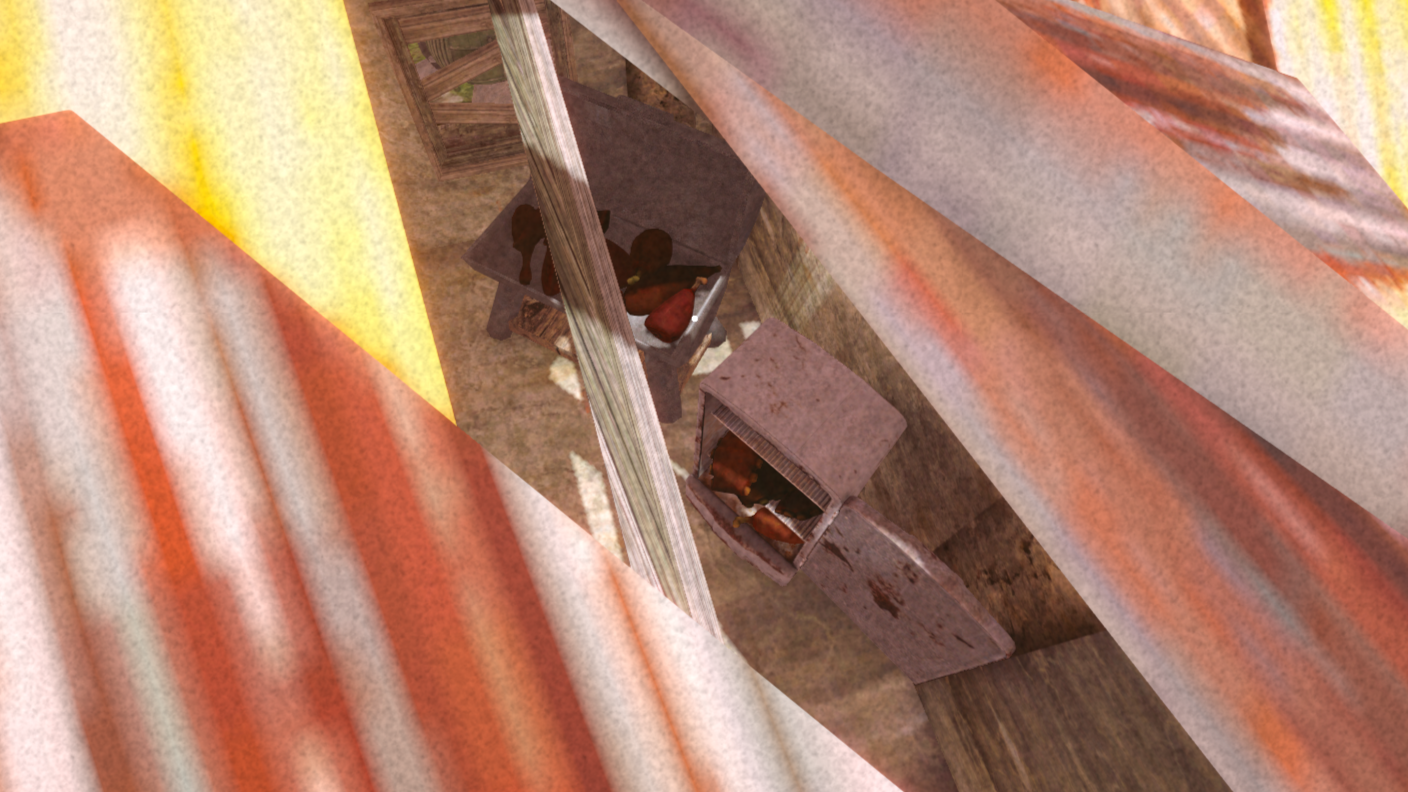
Use the Fridge to pause decay (as long as the meat is inside).
Use the Smoker to stop decay and boost value! Raw meat doesn't sell too well.
The patent pending "REJUICER" will bring some life back to your meat (just don't smoke it first).
- WASD — Move
- SPACE — Jump
- E — Interact
- Left Click — Grab physics objects
- Right Click — Zoom
- Scroll Wheel — Push & pull objects
- Escape — Pause
Retro Console Commands
Use the Retro Console terminal to manage your shop and fulfill orders.
There is a difference between loading screens and running commands.
You run the command 'load' followed by the screen name, in order to load a new screen.
help — view commands
list — view a list of all loadable screens
load shop — buy new equipment, and order fresh meat
load customer — serve waiting customers
confirm order — finalize an order and get paid
order shipment — pay to get a meat shipment
clear — to wipe the screen clean
Remarks
This was our first game jam and we had a blast making it! If you enjoyed Remember Meat or have any feedback, let us know in the comments below. We’re considering expanding the concept into a small standalone Steam release — after some testing and refinement, of course.
Developed for the Unity 20th Anniversary Game Jam
© 2025 Rotary Interactive & Odyssey Forge
Download
Install instructions
Download, unzip, and double click on the Remember Meat.exe
OR
Download the Itch App: https://itch.io/app, click download, and hit play!
Pro tip: If you have multiple monitors, some unity games open on the wrong screen. Use "ALT + ENTER" to put the game in windowed, move it to the desired screen, and all other unity games should now open on that screen.


Leave a comment
Log in with itch.io to leave a comment.